A used unit does not become more valuable while it sits behind the service drive waiting for a part, a decision, or a vendor. Yet many dealerships still manage recon with a whiteboard, a spreadsheet, text messages, and verbal updates that disappear by the next shift. If you are asking how to track dealership recon status, the answer is not another status meeting. It is a disciplined process that shows the exact location, condition, next step, age, and owner of every vehicle in real time.
Recon tracking has to serve the Dealer Principal and GM as well as the technician, detail manager, photographer, and outside vendor. Leadership needs to see stalled inventory and cycle time. The people doing the work need clear assignments and no confusion about what happens next. When everyone works from different information, accountability becomes an argument instead of a fact.
Start with defined recon stages
You cannot accurately measure a process that has no agreed-upon stages. “In service” is not a useful recon status. It can mean the vehicle is waiting for inspection, sitting in a technician’s queue, waiting on parts, complete but not released, or simply parked where nobody has looked at it.
Build stages that reflect the way your store actually gets vehicles ready. A typical flow may include intake, appraisal review, inspection, mechanical repair, parts, bodywork, vendor services, detailing, photography, merchandising, and front line ready. Some stores need separate stages for safety items, internal approval, paintless dent repair, windshield work, or transport. That is fine. The goal is not to force every dealership into the same workflow. The goal is to make each handoff visible.
Each status should answer one operational question: what is being done right now? If the answer is “waiting,” the status should state what it is waiting for. Waiting on parts and waiting on approval are different problems with different owners.
Keep stages specific without making them burdensome
Too few stages hide the bottleneck. Too many stages create updates that staff will ignore. A practical test is whether a manager can look at a vehicle record and know what to do next without calling three departments.
For example, “mechanical” may be sufficient for a small independent store with one technician and no internal parts department. A franchised dealership with a larger shop may need “awaiting inspection,” “repair in progress,” and “awaiting parts” separated. Configure the process around your operation, but require the same level of clarity on every unit.
Assign an owner to every active status
A vehicle can be in one stage, but it should never be owned by “the department.” Departments do not follow up. People do.
Every open task needs a named owner, a due date or expected completion time, and a clear next action. If a unit is awaiting parts, assign the parts person responsible for sourcing and updating the ETA. If bodywork is outsourced, assign the internal employee who owns vendor follow-up, not just the vendor name. If mechanical repairs exceed the recon budget, assign the manager who must approve the decision.
This is where many recon processes fail. Staff can honestly say they completed their portion, while the vehicle still sits because nobody owns the handoff. A visible owner prevents that gap. It also lets managers distinguish between a legitimate delay and a task that simply has not been touched.
Use timestamps to measure actual cycle time
A status without a timestamp is an opinion. A timestamped update creates a usable operating record.
Track when the vehicle enters intake, when inspection begins and ends, when a repair is assigned, when parts are ordered, when a vendor is contacted, and when each stage is completed. Track the total days from acquisition to front line ready, but do not stop there. Total recon time tells you there is a problem. Stage-level time tells you where it is.
A seven-day recon unit may look acceptable until the data shows it spent one day in mechanical and four days waiting for a $42 part that was never followed up on. Another unit may show a fast service turnaround but sit for two days waiting for photos. Without timestamps, both vehicles are just “not ready.” With timestamps, management can fix the actual constraint.
Set aging thresholds that trigger attention before a unit becomes stale inventory. The right threshold depends on your market, volume, staffing, outside-vendor reliance, and vehicle mix. A store buying older, higher-mileage vehicles will not run the same recon clock as a late-model certified operation. But every store should know when a unit has exceeded its expected time in a stage.
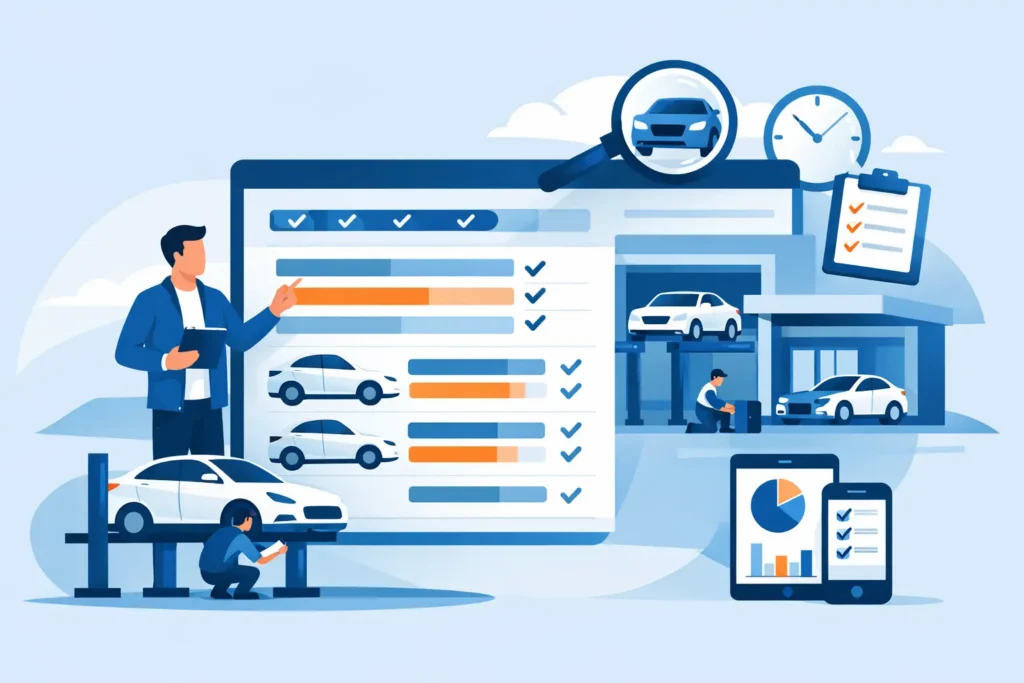
Track dealership recon status from one shared dashboard
The dashboard should answer the questions leadership asks during the used-car meeting without forcing anyone to chase updates:
- Which vehicles are not front line ready?
- Where is each unit now, and how long has it been there?
- What work is open, and who owns it?
- Which vehicles are waiting on approval, parts, or vendors?
- Which stage is creating the longest delays?
A shared dashboard replaces the daily scavenger hunt through service notes, paper repair orders, text threads, and spreadsheets. Sales can see whether a unit is likely to be available. Service can see the priority and age of assigned work. The Used Car Manager can identify exceptions before they turn into a week of holding cost. The GM can see whether the process is performing as reported.
The dashboard should not become a display board that only one manager maintains. Updates need to happen at the point of work. When a technician completes an inspection, the status changes. When parts receive an item, the parts delay is updated. When detail releases the vehicle, the next team is notified. That is how the record stays credible.
Separate work completed from vehicles ready to sell
One of the most expensive reporting mistakes is treating completed repair work as a front line-ready vehicle. A unit may be mechanically complete but still need detail, photos, pricing, merchandising, or a final quality check. From an inventory and sales standpoint, it is not available until the full get-ready process is complete.
Use a clear definition of front line ready. It should mean the vehicle is physically present, repaired or approved as-is, cleaned, photographed, merchandised, priced, and released for sale according to your store’s standards. If your process includes title, safety, fuel, or final inspection requirements, include those as well.
This definition may vary slightly by dealership, but it must be consistent. Otherwise, recon reporting will look better than your actual available inventory. That creates frustration for sales and gives leadership a false sense of control.
Manage exceptions, not just averages
Average recon time can hide the vehicles costing you the most. Ten units completed in three days do not offset one desirable retail unit sitting for 14 days because it fell outside the normal process.
Review exception units daily. Focus on vehicles over their stage threshold, vehicles with no update in the last 24 hours, units waiting on an outside vendor, and units with unresolved approval decisions. These are the vehicles that need management attention.
The review should be brief and factual. What is the current stage? What is blocking progress? Who owns the next action? When will the status change? Avoid broad statements such as “service is backed up” or “the vendor is working on it.” Those explanations do not move a vehicle to the front line.
For dealer groups, compare results by rooftop, department, vendor, and vehicle type. The purpose is not to punish a store for having difficult inventory. It is to identify whether a location has a repeatable process issue, such as delayed inspections, inconsistent parts follow-up, or a detail capacity problem. That which is measured improves, especially when the measurement is visible and consistent.
Build vendor activity into the same record
Outside vendors are often a blind spot. The vehicle leaves the store or enters a vendor queue, and the only update is a text message that someone may or may not see. That is not a controlled process.
Log vendor assignments, requested work, pickup and return dates, quoted costs, approvals, and expected completion dates against the vehicle record. Require an update when an ETA changes. An outside vendor cannot be managed as an excuse for missing information; the dealership still owns the customer-facing inventory clock.
This does not mean vendors need a complicated system. It means the internal owner has a documented follow-up process and leadership can see which vendors consistently meet commitments. Over time, that information helps you set better expectations, adjust workload, and make better vendor decisions.
Make the recon meeting a decision meeting
A daily recon meeting should not be a round-robin update where every department says it is busy. Use the dashboard to review aging units, stalled tasks, expected completions, and exceptions requiring a decision. Keep it focused on work that can move today.
When the data is current, the meeting becomes shorter and more useful. The Used Car Manager can approve a repair, the parts manager can escalate a backorder, the service manager can reprioritize a technician, and the GM can address a capacity issue based on facts. The team leaves with documented commitments instead of another set of verbal promises.
AutoGetReady is built around this dealership reality: every vehicle needs a visible path from acquisition to front line ready, with timestamped activity, assigned ownership, and no place for a stalled task to hide.
The goal is not to create more reporting. It is to create a process where a manager can look at any used unit, see the truth in seconds, and make the decision that gets it sold sooner.